MAG
Overview
Configuration guide for MAG (magnetic) sensors.
Blue Puck MAG
If you want to install the tag on a metallic surface, it is strongly recommended to use our TAG HOLDER to avoid disturbances caused by metal on radio transmission.
Other magnets can be used, but proper operation is only guaranteed with our products.
Sensor installation
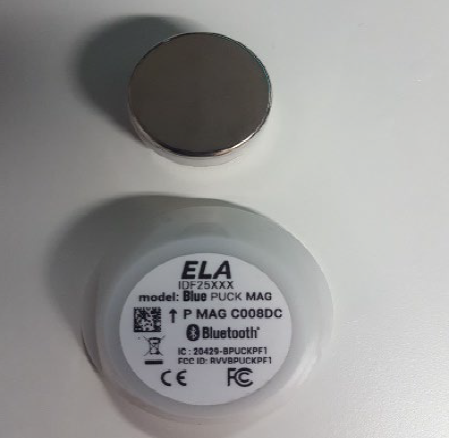
MAG sensors use a Hall effect sensor to detect the presence or absence of a magnet.
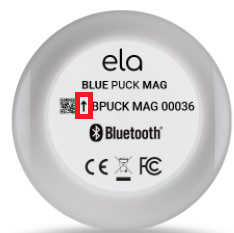
For proper detection, the magnet must be positioned:
- on the top side of the tag
- near the logo
- on the side indicated by the arrow on the enclosure
Use cases
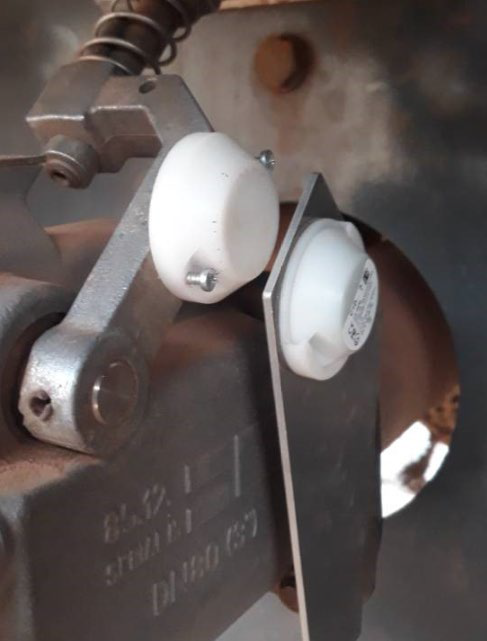
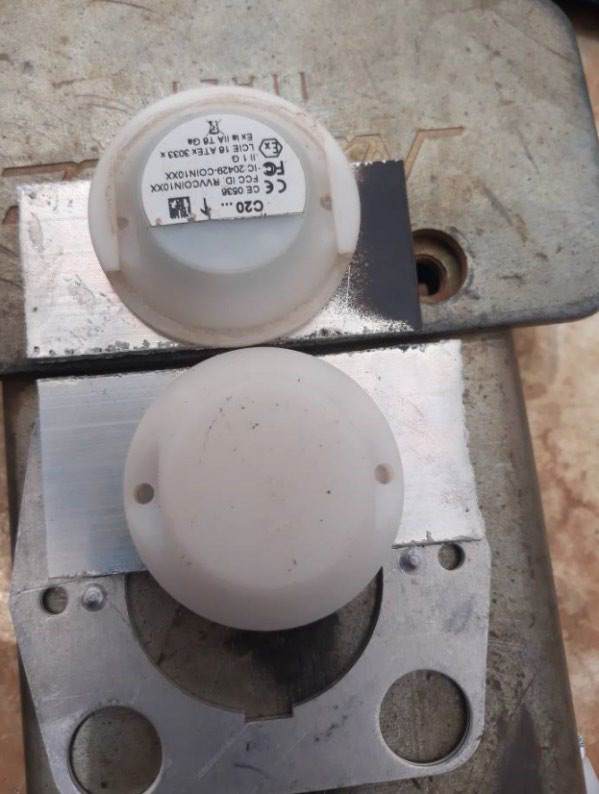
The images below show installation examples for MAG sensors.
Tag operation
These sensors are used to detect whether equipment is open or closed.
- If the magnet is not detected → value =
0 - If the magnet is detected → value =
1
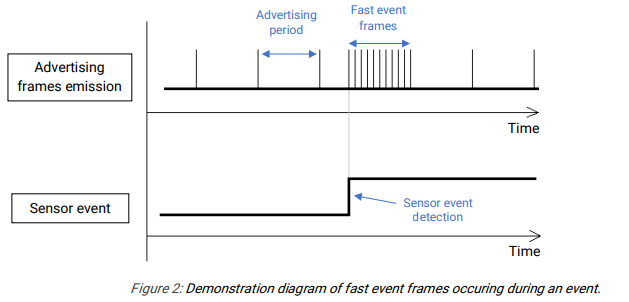
In normal operation, the tag sends a BLE frame periodically according to the BLE Emit Period configured via NFC.
Event mode (fast event)
When an event occurs (magnet detection), the tag triggers the fast event frame mode:
- Transmission rate becomes 10 times faster than the advertising interval
- Data remains identical to standard advertising frames
- Only the transmission frequency changes
This phase lasts for a duration equal to the configured advertising period:
- 10 frames are sent